Free QR Code Generator - Handoff

Generate stylish QR codes, place your logo/photo in the center, and download as PNG, JPG, or JPEG.

Customize

Business Card Details

WhatsApp Link Details

The QR generates a WhatsApp wa.me link using country code + phone number.

Wi-Fi Access Details

Use the standard WIFI payload format so most phones can join directly when scanned.

Event Ticket Details

This creates a compact event payload string you can use for tickets and check-in.

Google Maps Location Picker

Tip: click anywhere on the map to set the location.

Text Below QR and Border Style

Caption background uses the border color, aligns with the QR border, and keeps rounded corners when text is provided.

Use a square logo for best results. The QR uses correction level to keep it scannable.
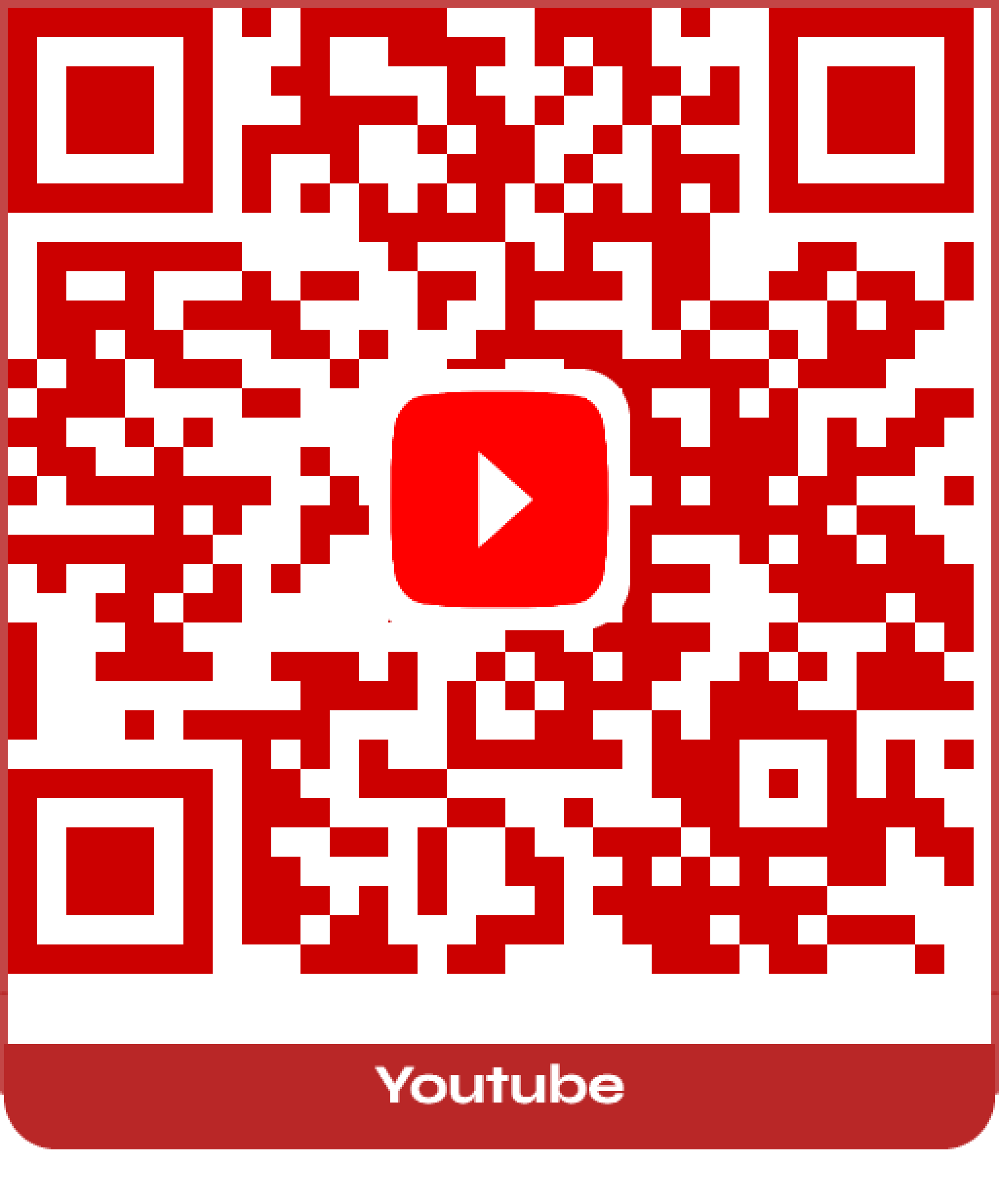
Preview

Ready to generate.

QR Look

Google Drive Guide

How to Create a QR Code for a Google Drive Document

Use a shareable Drive link, then generate and style the QR inside Handoff Free QR Code Generator.

  1. Get Your Google Drive Shareable Link

    • Navigate to the file or folder in Google Drive.
    • Click the Share button in the top-right corner.
    • Under General access, change it to Anyone with the link.
    • Set role permissions to Viewer, Commenter, or Editor as needed.
    • Click Copy link.
  2. Generate the QR Code

    • Return to Handoff Free QR Code Generator.
    • Select Custom URL.
    • Paste the copied link into the Text or URL area.
    • The QR code will auto-generate, or press the orange Generate QR button.
    • Personalize the QR code style and download in your preferred format and shape.

OneDrive Guide

How to Create a QR Code for a OneDrive Document

Share your OneDrive file publicly with a link, then turn that link into a customized QR code.

  1. Get Your OneDrive Shareable Link

    • Find your file in OneDrive and select it.
    • Click Share, then select Copy Link.
    • In link settings, choose Anyone so the QR works for all scanners.
    • Copy the generated link.
  2. Generate the QR Code

    • Return to Handoff Free QR Code Generator.
    • Select Custom URL.
    • Paste the copied link into the Text or URL area.
    • The QR code will auto-generate, or press the orange Generate QR button.
    • Personalize the QR code style and download in your preferred format and shape.

About

Welcome to the Free QR Code Generator powerful, flexible, and completely free. Our tool is designed to give you full control over your QR codes with no hidden limits, no expirations, and no registration required. Whether you're an individual, small business, or large enterprise, you'll find everything you need to create professional QR codes in seconds.

What Makes Us Different

No Expiration Every QR code you generate works forever. No time limits, no hidden expirations just reliable codes that keep working as long as you need them.
Unlimited QR Codes Create as many QR codes as you want. No caps, no restrictions, no surprise fees.
Fully Customizable Make your QR code stand out by customizing the shape, color, and design to match your brand, style, or creative vision.
Enterprise Ready Elevate your brand by adding your company logo and applying custom color gradients. Perfect for marketing campaigns, product packaging, business materials, and more.

How It Works

  1. Enter your link or information.
  2. Customize the design to your liking.
  3. Download and use it anywhere forever.